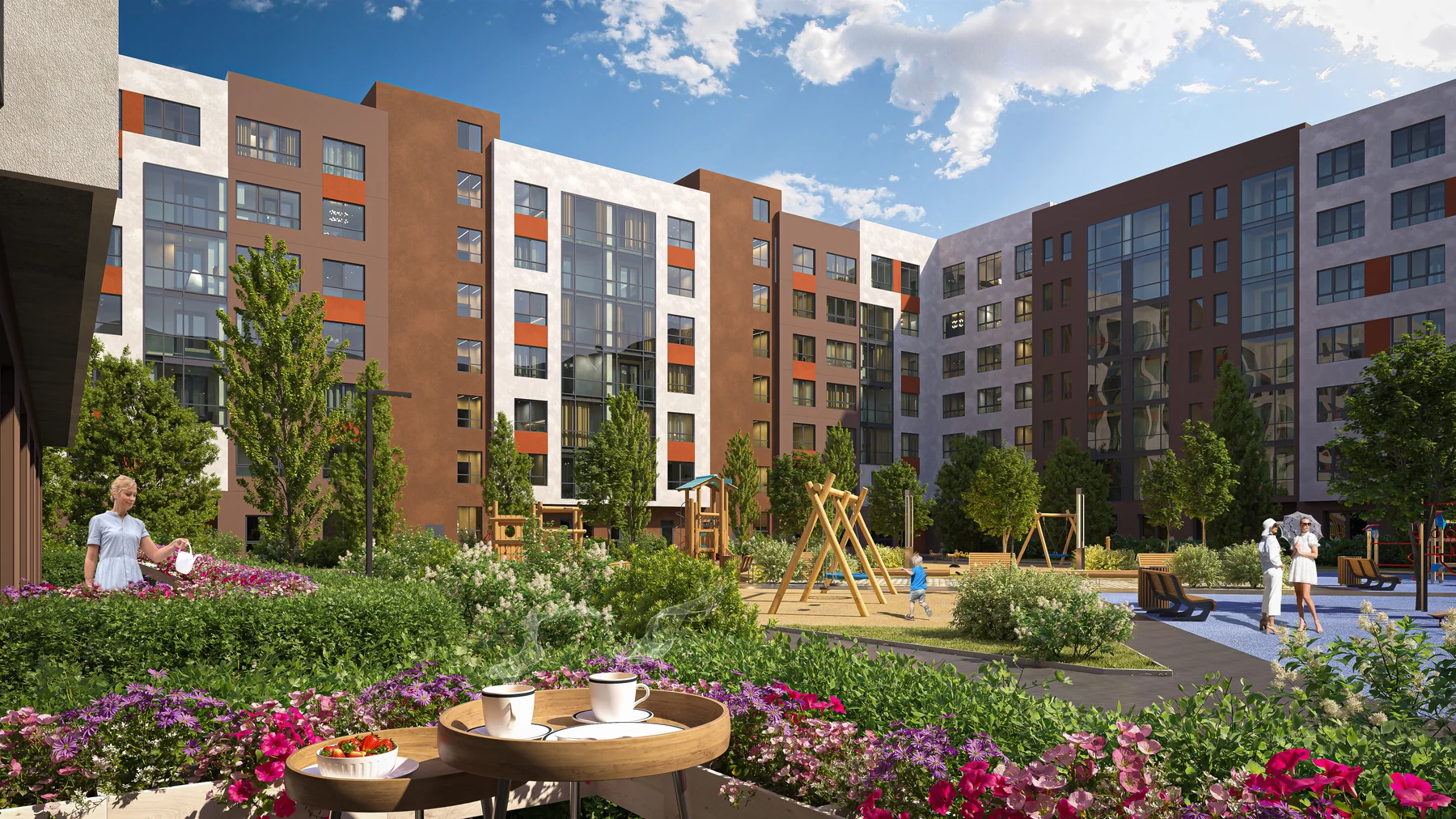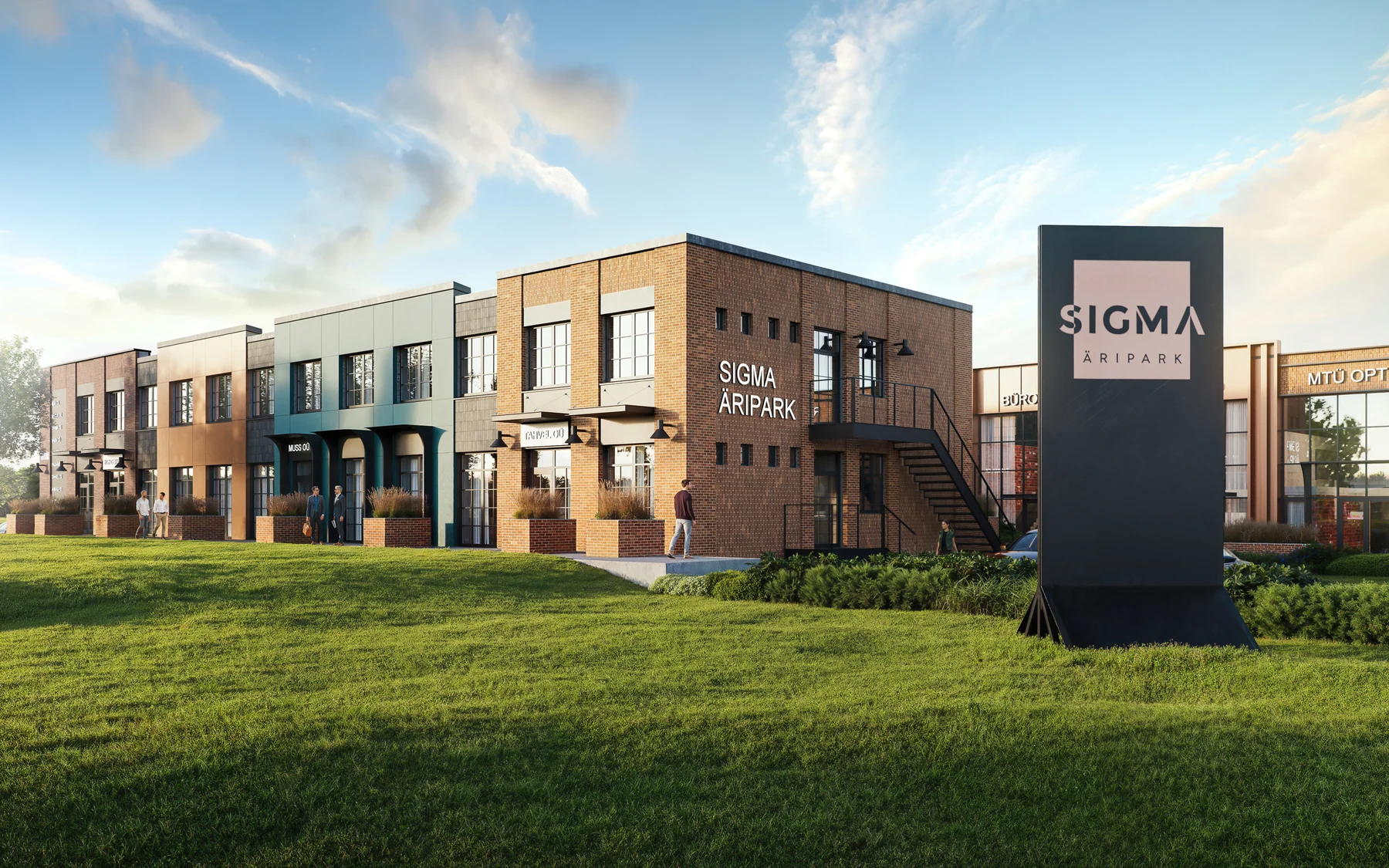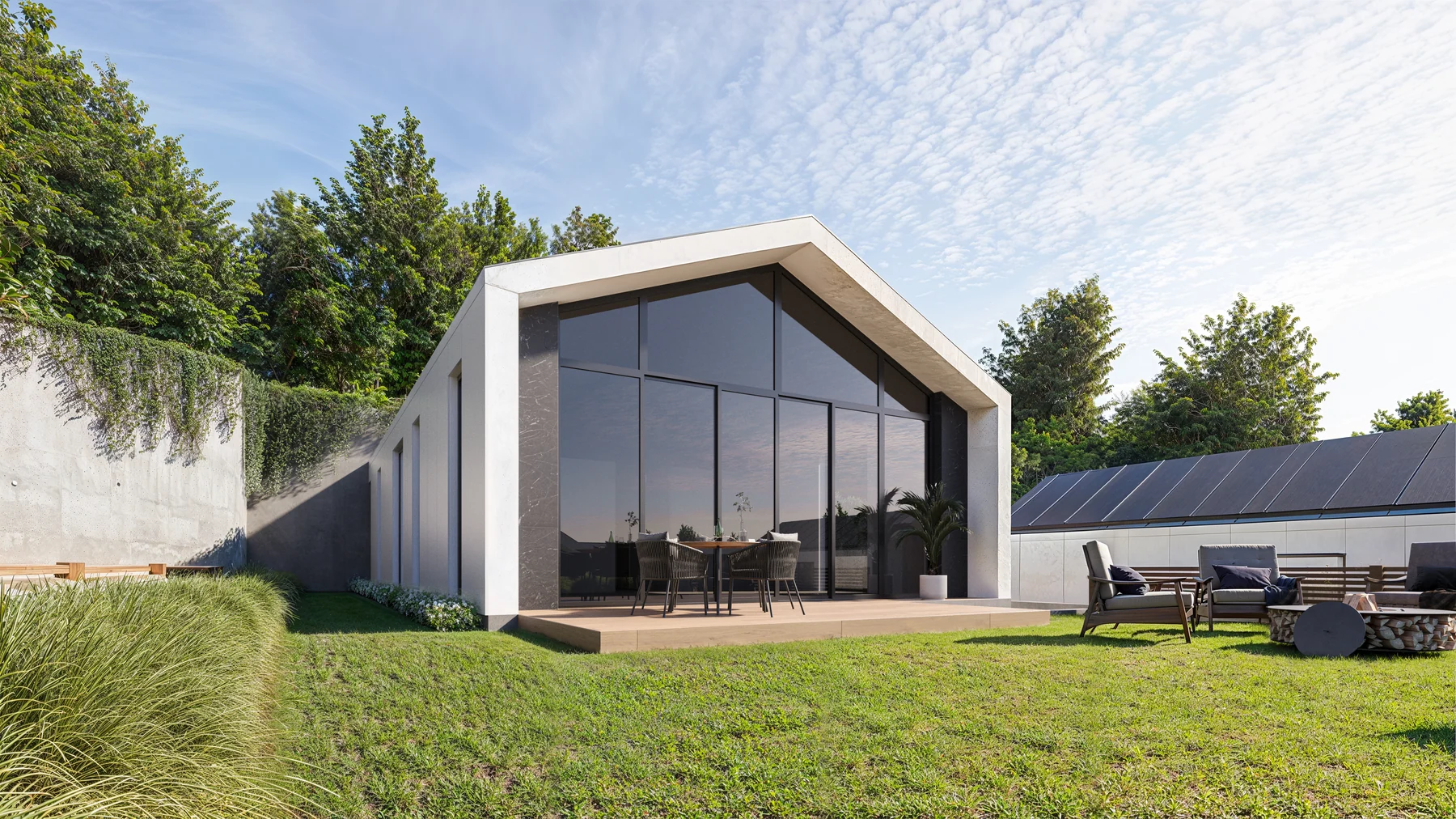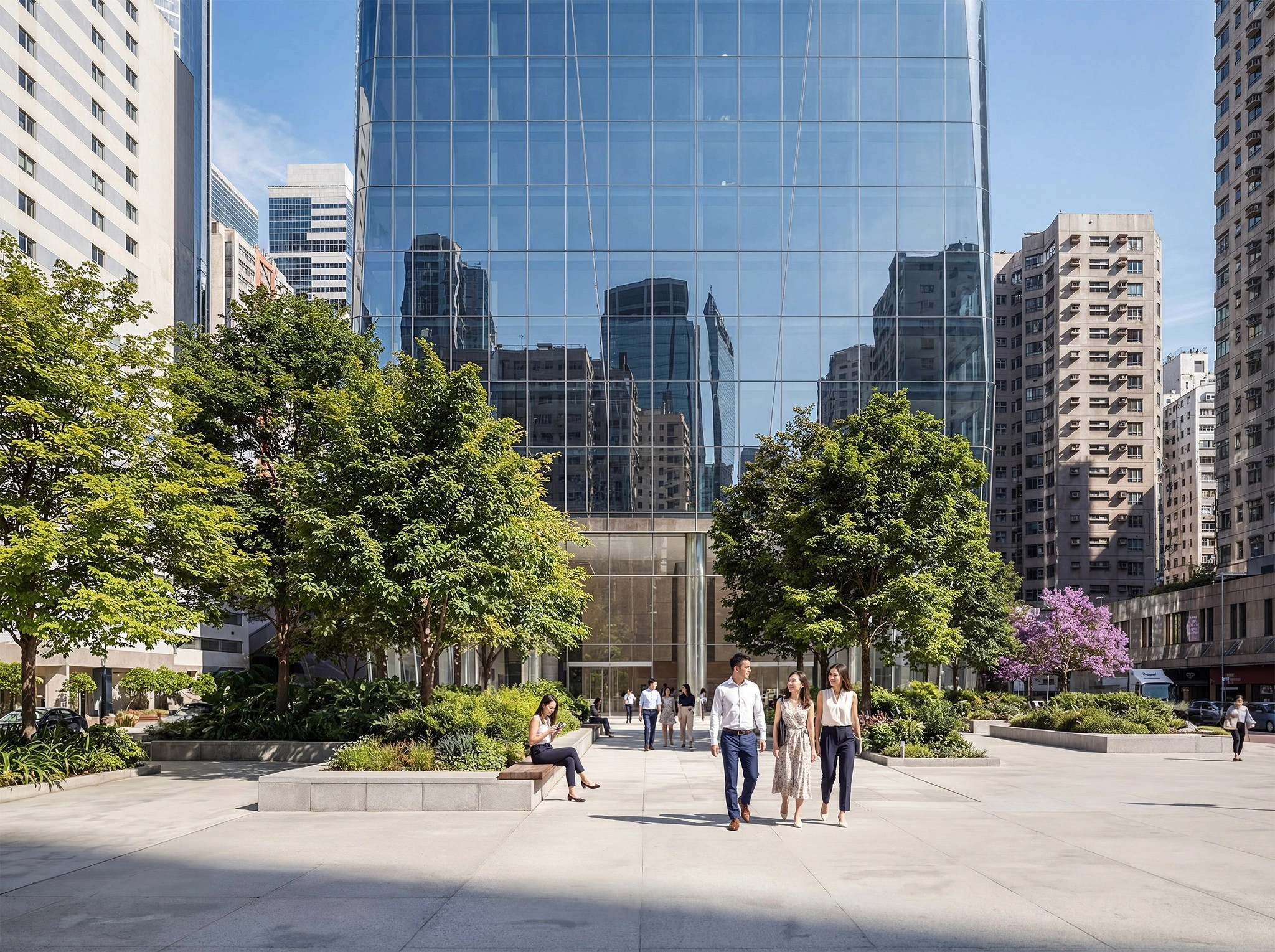
"Photorealistic" is one of the most overused words in architectural visualization marketing, including, occasionally, our own. It's worth unpacking what the term actually refers to technically, because it explains why some renders convince the eye instantly and others – however detailed – never quite do.
Path tracing and physically based rendering
Modern rendering engines – V-Ray, Corona, and the real-time engines increasingly used alongside them – are built on physically based rendering, meaning materials are defined by real optical properties (how rough a surface is, how it reflects or absorbs light, whether it's metallic) rather than an artist manually painting in highlights. The render engine then simulates light paths – path tracing – bouncing rays of light through the scene according to those real physical rules, the same way light actually behaves. This is why a physically-based render of brushed steel or wet stone can look convincing even to a trained eye: the underlying math is doing roughly what photons actually do.
Why "more polygons" isn't the answer people think it is
Geometric detail matters far less to perceived realism than most people expect. A technically simple scene with correct light behavior and accurate materials will read as more real than a geometrically hyper-detailed scene with flat, artist-painted lighting. This is a common surprise for clients who assume realism is primarily a modeling problem – in practice, it's overwhelmingly a lighting and materials problem.
The details that do the most work
A handful of specific technical details separate a merely good render from a convincing one: subtle surface imperfection (nothing in reality is perfectly clean or perfectly smooth), correct micro-scale roughness variation across a material rather than one uniform value, physically accurate depth of field and lens characteristics matching a real camera, and color grading that mimics how an actual camera sensor – not the human eye – captures a scene. That last point matters more than it sounds: raw rendered output often looks "correct" but not photographic, because real photographs carry the specific color and contrast signature of camera sensors and lenses, and a render needs a grading pass to borrow that signature.
Where AI tools fit into this picture
AI-assisted tools are increasingly used to speed up parts of this pipeline – generating material variations, cleaning up geometry, assisting with post-production – but the physical simulation at the core of a photorealistic image is still governed by the same light-transport math it always was. AI accelerates getting to a good image; it doesn't replace the physically based foundation that makes the image believable in the first place.
Why this matters if you're commissioning work
If a render looks "almost right but off" in a way that's hard to name, the cause is very often one of these technical fundamentals – a material that's technically detailed but physically implausible, or lighting that's bright in the right places but wrong in how it falls off. Understanding roughly what's happening under the hood makes it easier to give a studio useful feedback: not just "make it look more real," but pointing at the specific surface or light source that isn't behaving the way its real-world counterpart would.